|
Your homepage
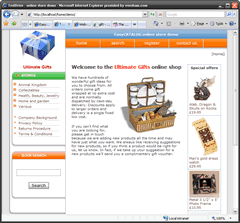
This is an example of how your shop's home page would look to a shopper. The home page content can be updated using the advanced built-in graphical page editor. This allows you to use word processing style formatting and include pictures from your own image library.
The home page always highlights any products flagged as a "Special offer".
|
|
 |
Custom pages
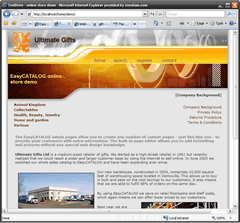
Any custom pages you create can be accessed by your customers from the navigation menu. Custom pages allow you to provide your shoppers with additional information, such as your Returns Policy, Company Background or Latest News. Custom pages can also include pictures from your image library.
|
|
|
|
Viewing a product category
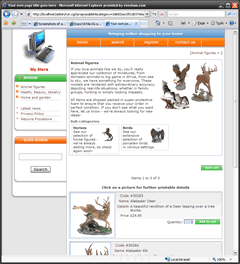
Product items are organised in categories. Shown here is a summary list of items for a chosen category. Links to any sub-categories are shown - each category and sub-category can have a picture and description to help the shopper.
Shoppers can add items to the cart, or click the product picture to see the product detail page (see below).
|
|
|
|
Product detail page
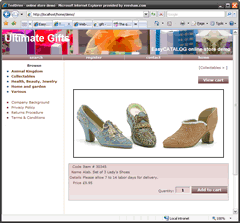
When a shopper clicks on a
product of interest, a detailed page
suitable for printing is displayed, showing
a larger picture and item details. |
|
|
Built-in shopping cart
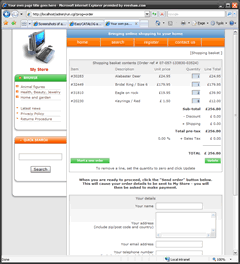
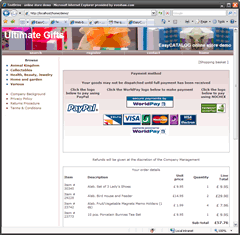
EasyCATALOG has its own built-in shopping cart which can integrate with PayPal, WorldPay or Nochex merchant accounts. Alternatively, the cart can operate without a payment system, allowing shoppers to pay offline by cheque or postal order etc.
PayPal store owners can choose to use the classic PayPal shopping cart if they wish.
You can define sophisticated discount and shipping charge calculators and set up your store to work in any of the currencies (£GBP, $US, EUR etc) supported by your chosen payment option. |
|
|
Checkout page
When the shopper goes to the checkout, the available payment options are shown, along with a confirmation of the shopping cart contents.
Once an order has been completed you will receive the details in an email - payment confirmation comes in a separate email from your chosen payment gateway. |
|
|
|
"Contact us" page
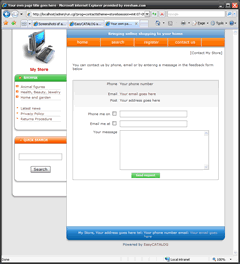
A "Contact us" page allows visitors to your site to submit any questions or queries they may have directly to you by email. |
|
 |
Mail list
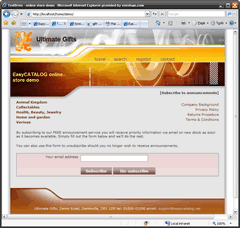
Visitors to your site can register their interest in your store by submitting their email address. An email admin page allows you to send marketing emails or other announcements to all those who have registered.
|
|
|
|
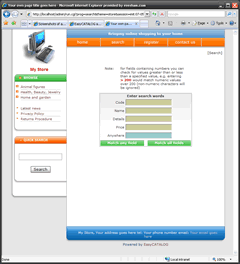
Search page
The search page allows visitors to locate
items based on one or more of the item
fields. In addition a special wildcard
value matches any field. |